
Google's new AI image editor will amaze you
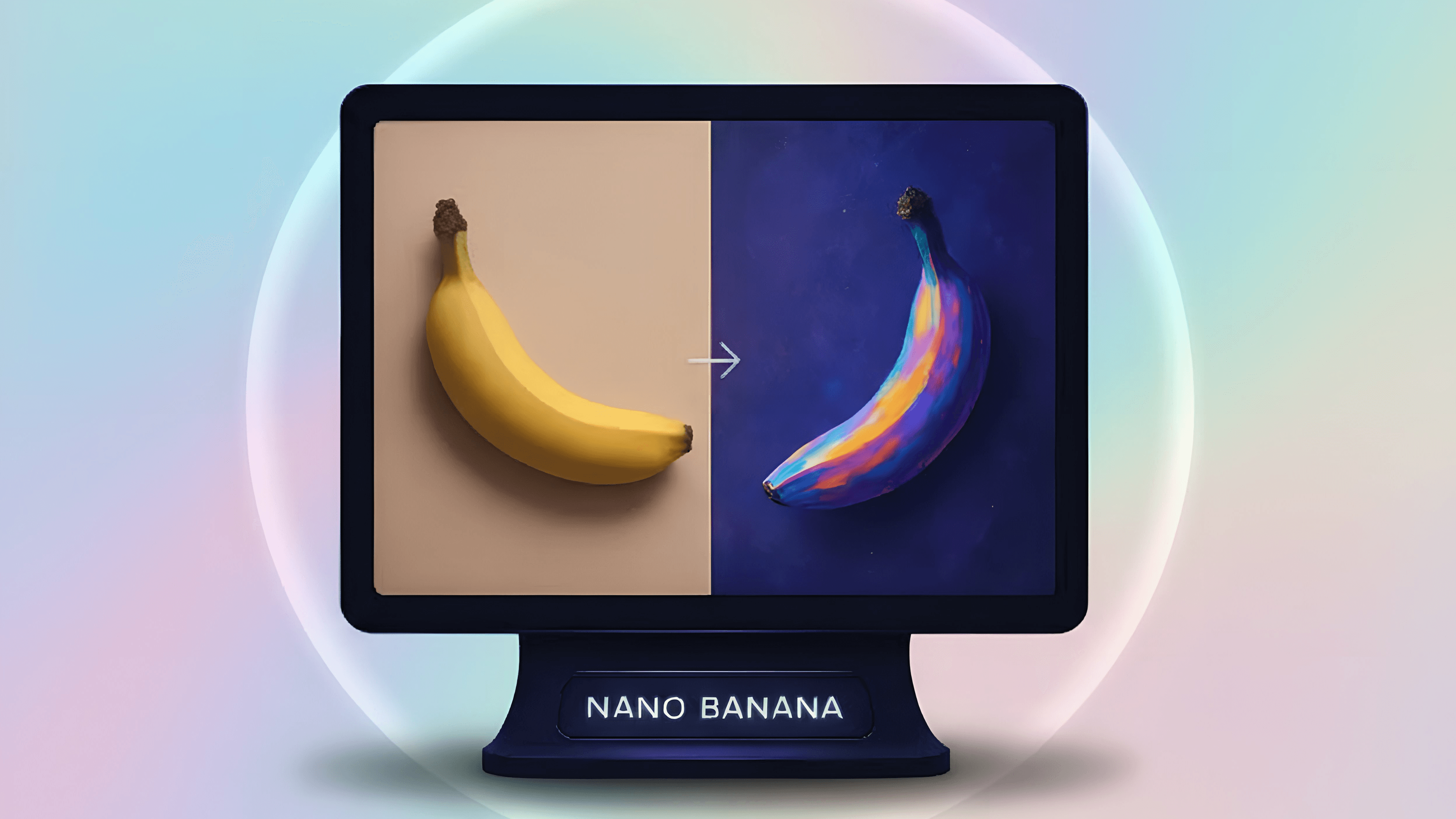
What you'll learn
Understand the core features and capabilities of Google’s new AI image editor.
Learn how to enhance and manipulate images using advanced AI tools.
Explore creative workflows that combine AI editing with personal design skills.
Discover practical use cases for content creation, marketing, and visual storytelling.
Gain hands-on experience applying AI image editing to real-world projects.
Skills covered in this course
Languages
Course description
This course introduces a revolutionary AI image creation tool that transforms how you design, retouch, and generate visuals. You’ll learn how to turn ordinary photos into stunning, professional-quality artwork with just a few clicks. You’ll explore techniques for editing backgrounds, adjusting facial expressions, merging multiple images, and generating entirely new visuals from simple text prompts. Each step of the creative process is explained in detail, including tips for maintaining character consistency, avoiding distortions, and making full use of AI-driven customization for personal or professional projects. Whether you’re a content creator, designer, marketer, or digital art enthusiast, this course equips you to unlock your creative potential with AI. You’ll gain the skills to produce captivating, high-impact visuals in seconds—no advanced editing experience required. Experience how AI can expand your imagination and elevate your digital creations.
WHAT'S INCLUDED
 Unique completion certificate
-1759203918820.png&w=3840&q=75)
Price with free access
-1759203918820.png&w=64&q=75)